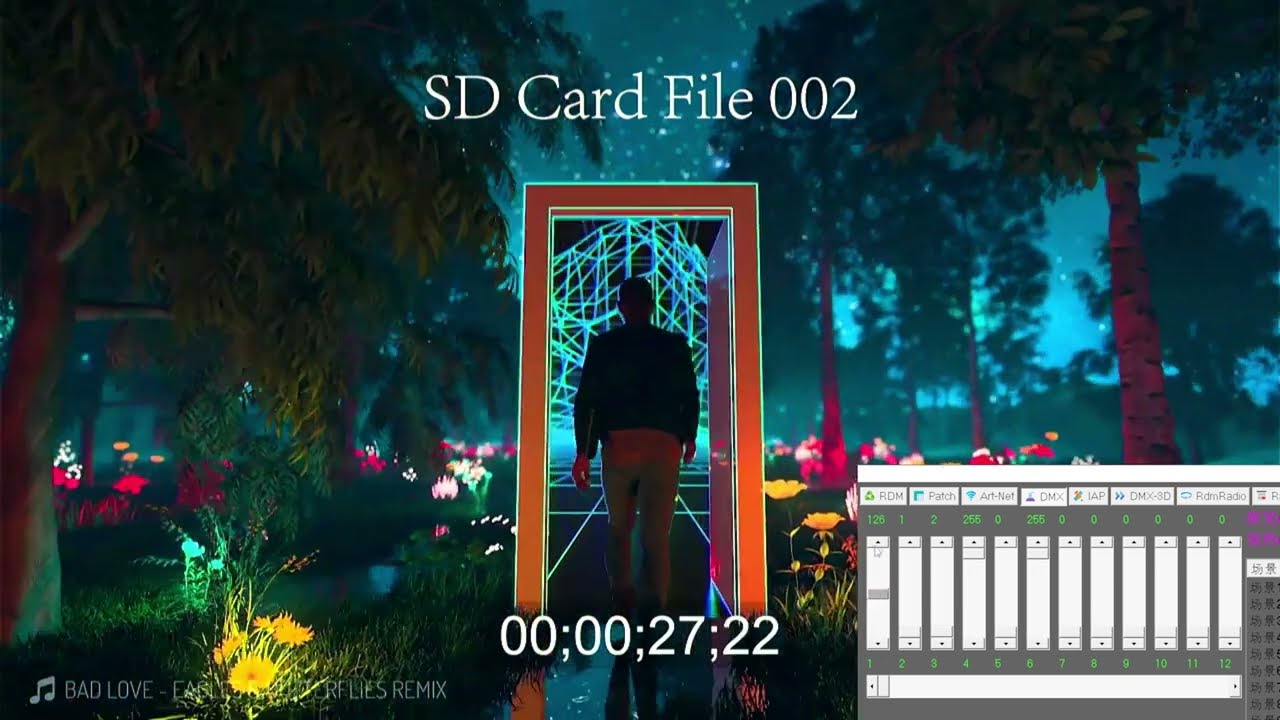
Just drag your media file to the software, no matter audio file or video file.
1 Minute to know about the DMX HDMI Player 2K
How to Setup
Frequently Asked Questions
What resolution does the SUPERCAN V82K output?
The V82K outputs 2K over HDMI — 2560 × 1440 at 30 Hz. It is the 2K step up from the 1080p V3 and keeps the same DMX-512 control scheme, so when you upgrade only the player unit changes.
What storage options ship with the V82K?
Every V82K leaves the factory with an SD card already fitted, in one of three tiers: 64 GB, 128 GB or 256 GB. The card slot is rated to a maximum of 256 GB. There is no bring-your-own-card option.
Does the V82K need a PC to set the DMX address?
No. The DMX address is set on the unit itself, using the UP and DOWN buttons beside the built-in display panel. No PC, no software and no firmware loader are required.
Can the V82K play the audio track with the triggered video?
Yes. The rear panel carries a 3.5 mm stereo audio output that plays the audio embedded in the video file being triggered.
How many video files can the V82K hold, and what does DMX control?
Up to 255 folders holding 255 files each — 65,025 clips in total, subject to SD card capacity. DMX-512 selects the folder and the file, sets playback speed from 100 to 200%, sets volume from 0 to 100%, and chooses whether a clip plays once to black or loops.
What are the V82K dimensions, weight and power supply?
1.3 kg, 36 × 22 × 9 cm. It runs from an external DC 12 V / 3 A supply on the rear panel.
What DMX connectors does the V82K have?
DMX-512 arrives on a 3-pin XLR input, with a 3-pin XLR through output for daisy-chaining the next fixture. There are also two RJ45 DMX ports, wired 1 = DMX+, 2 = DMX-, 3 = DMX ground. Either connector type can be used to feed the unit.